
The Complete Guide to CCTV Maintenance & Audits
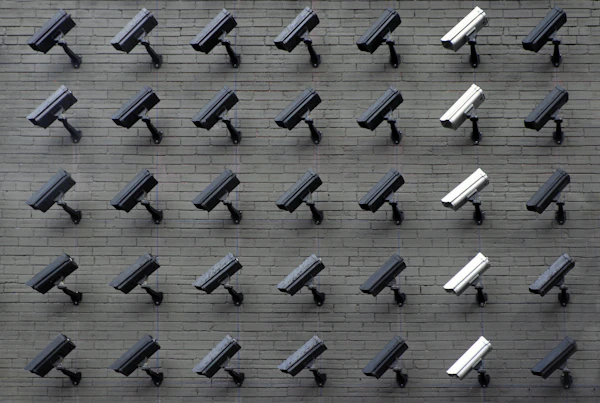
A CCTV system is only useful if it is operational. Too often, businesses discover that a camera was offline, a lens was dirty, or a hard disk was corrupted only after an security incident has occurred. Regular preventative maintenance is critical.
Core Maintenance Steps:
1. **Lens Cleaning**: Dust, spiderwebs, and water stains build up on the glass dome of cameras, causing blurry footage, especially with night IR. Use a micro-fiber cloth and specialized lens cleaner. 2. **Cable Inspection**: Inspect outdoor CAT6 or coaxial runs for signs of weathering, animal chewing, or loose connectors. Waterproof joint boxes should be checked for moisture ingress. 3. **Power Supply Testing**: Test the central power supply units (SMPS). A failing power supply will cause cameras to drop offline or show horizontal lines in the feed. 4. **Storage Audit**: Verify that the NVR/DVR is recording continuously. Check the HDD health logs for bad sectors and confirm that the recording history matches your retention target (e.g., 30 days of storage).
Need help implementing this setup?
Our enterprise engineering desk provides onsite and remote assistance.